
Floppy Disk USB Emulator Nalbantov N-Drive 1000 for Korg Triton & Triton Pro ProX Rack
HUGE STORAGE
-
Detail
N-Drive 1000 is a floppy emulator that increases storage capacity by 10 times compared to the N-Drive 100. You can store up to 1000 floppy disks on a single USB flash drive! An additional benefit is that it supports both PCs and MACs. We also offer our newest emulator model, the N-Drive eXtreme. Note: You can use the search bar at the top to find the proper version for your equipment.
*
Nalbantov Electronics manufacture over 600 types of USB floppy drive emulators for home and industrial use. Depending on your equipment, the settings of the emulator may vary: hardware, firmware, software, connection type, emulator jumper and settings.
*
Nalbantov USB Floppy Emulator can be installed on almost any equipment, manufactured with a floppy drive. Nalbantov USB Floppy Emulator has all the features you need to replace your old floppy disk drive. Instead of floppies, you can use a USB stick.
*
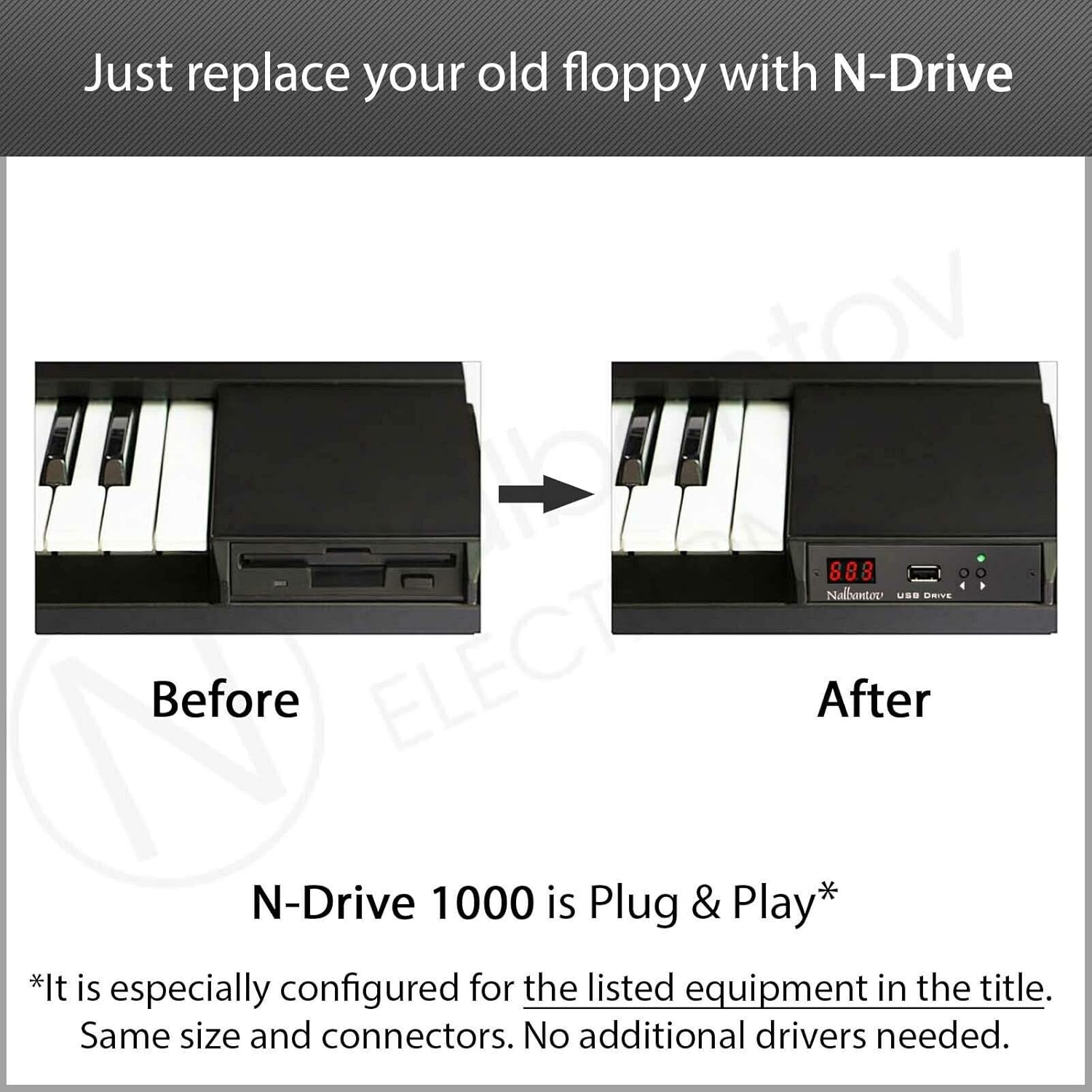
Nalbantov USB Floppy Emulator has the same size and connectors as a standard floppy drive. It imitates the work of a normal floppy drive using the floppy interface inside your equipment. That way you can easily replace your old floppy drive without any additional changes.
*
Nalbantov USB floppy emulator is sold with all necessary components, allowing you to install it on your exact equipment and have it work immediately.
*
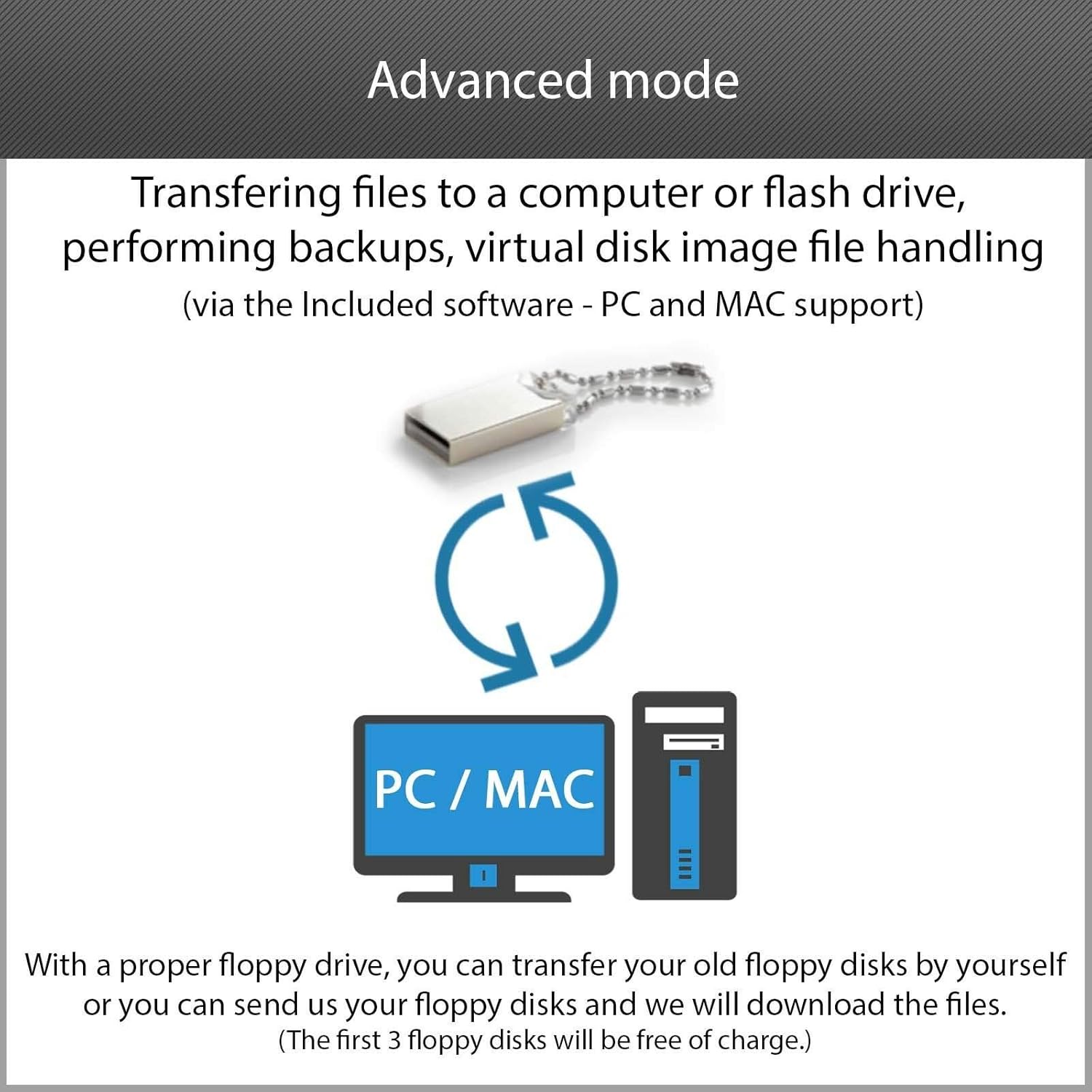
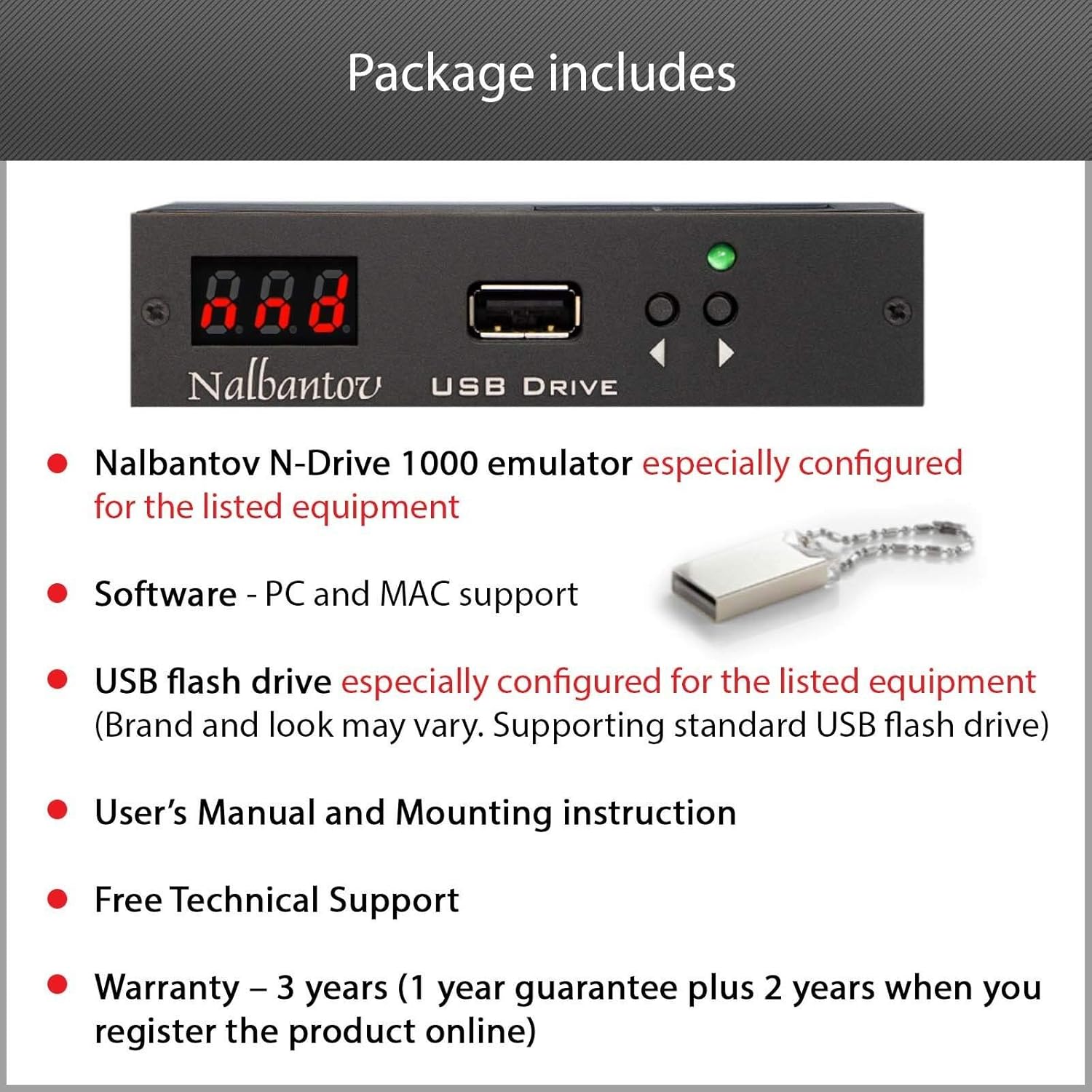
The Package includes: Nalbantov USB floppy emulator, configured for your equipment; USB flash memory, formatted and configured with virtual floppies; software compatible with PC (Windows) and Apple (MAC OS); assembly components. The optional components depending on your equipment are: suitable connectors; suitable ribbon cables; operating system; boot disk; specific virtual image files and more.
*
Features:
- Configurable Hardware Interface – Support almost all floppy drive interfaces
- Easy to Install – Just Plug and Play. No additional drivers needed
- Compatibility – Same Size and Connectors. Supporting standard USB flash drive
- Better Storage Capacity – 1000 floppy disks in a single USB stick
- Reliability – No moving parts
- Premium and Durable Design – Aluminum front panel, black-anodized and laser etched
- Data Security – Keep your data save in reliable USB flash drive
- User Friendly – Instant visual management of the current virtual disk
- Bundle – USB flash drive, Software, Manual and Free support
*
Panel Controls:
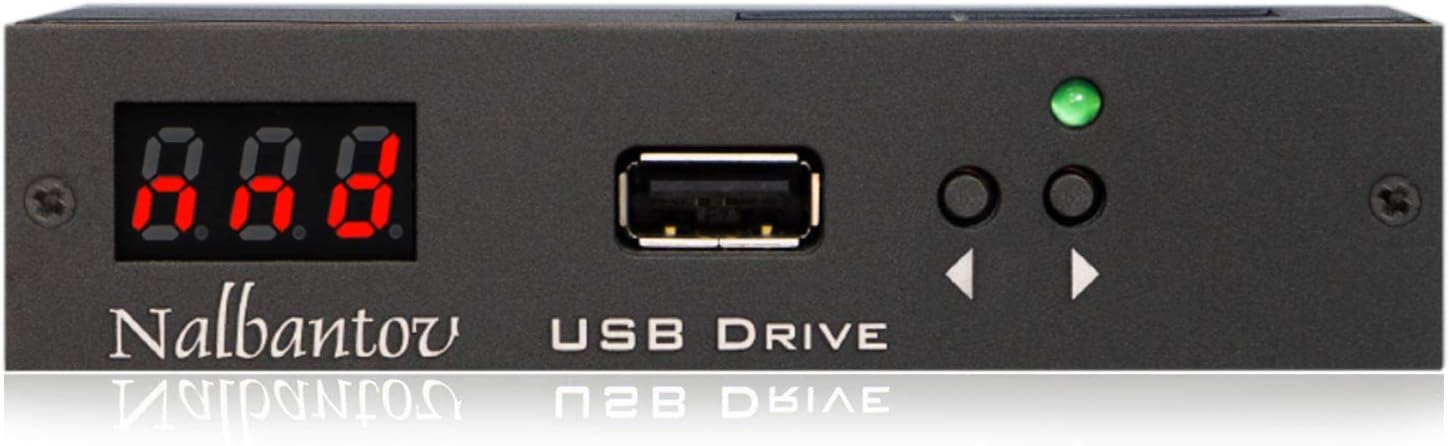
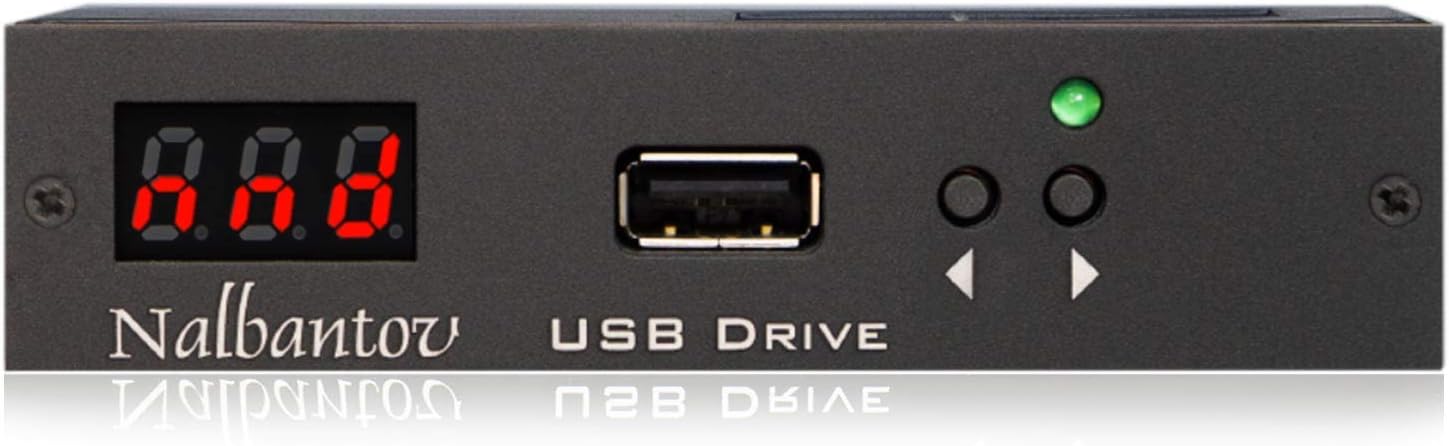
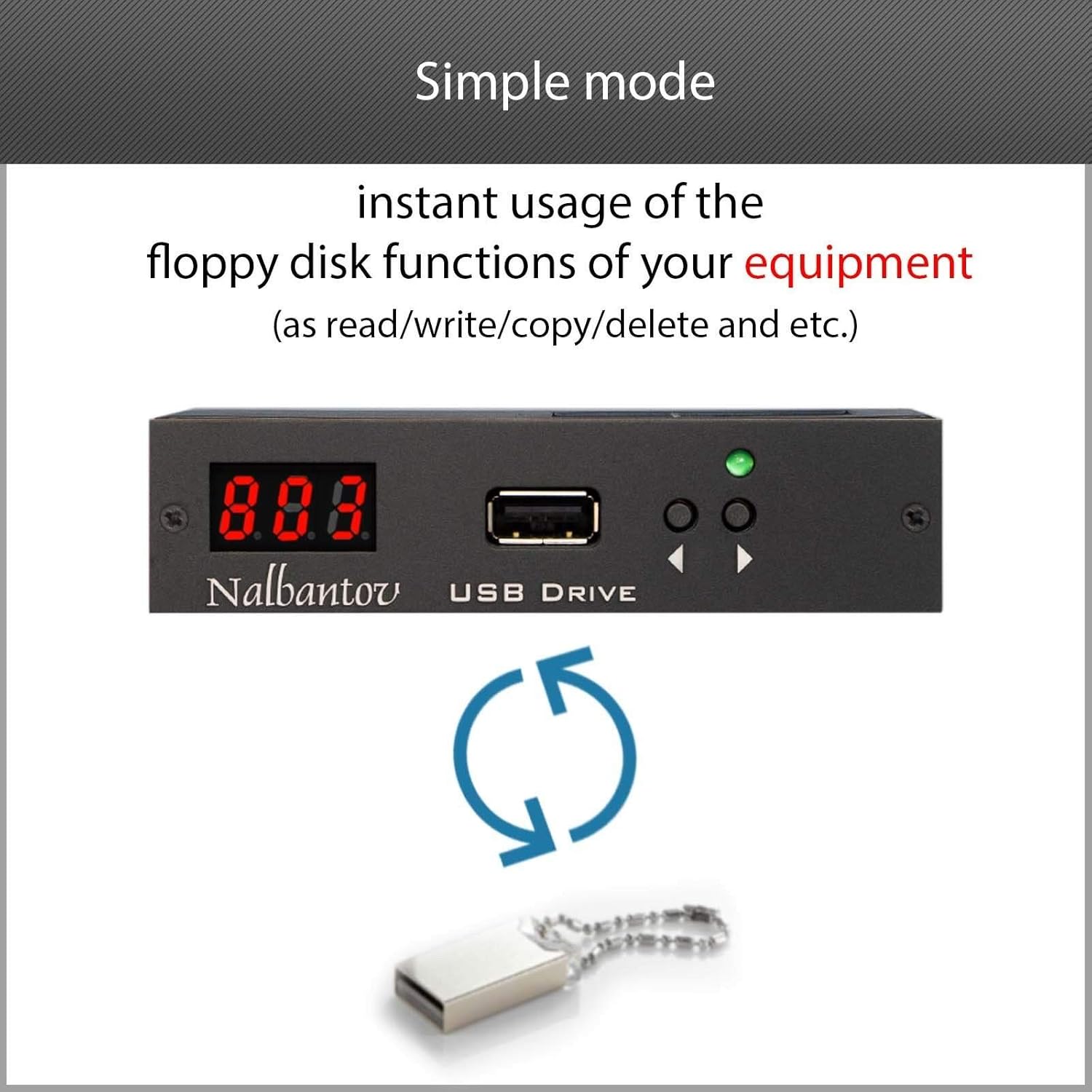
- Selection buttons – Use the selection buttons to set the number of the virtual floppy disk. The selected file will boot from the USB flash drive.
- LED display – LED display shows the number of current virtual floppy disk.
- Green Indicator (Status LED) – The Green Indicator is placed above the selection buttons. When your device is loading a virtual floppy disk, the green indicator will be flashing or it will be lit on constantly.
- USB port – Use the USB port for inserting a compatible USB flash drives.
About us
-
Customer ReviewsNo comments